How to Register Plug-In Solar With Your DNO: G98 Step by Step
How to register qualifying plug-in solar through the national portal: timing, product details, supporting paperwork and common mistakes.
In this article 12 sections
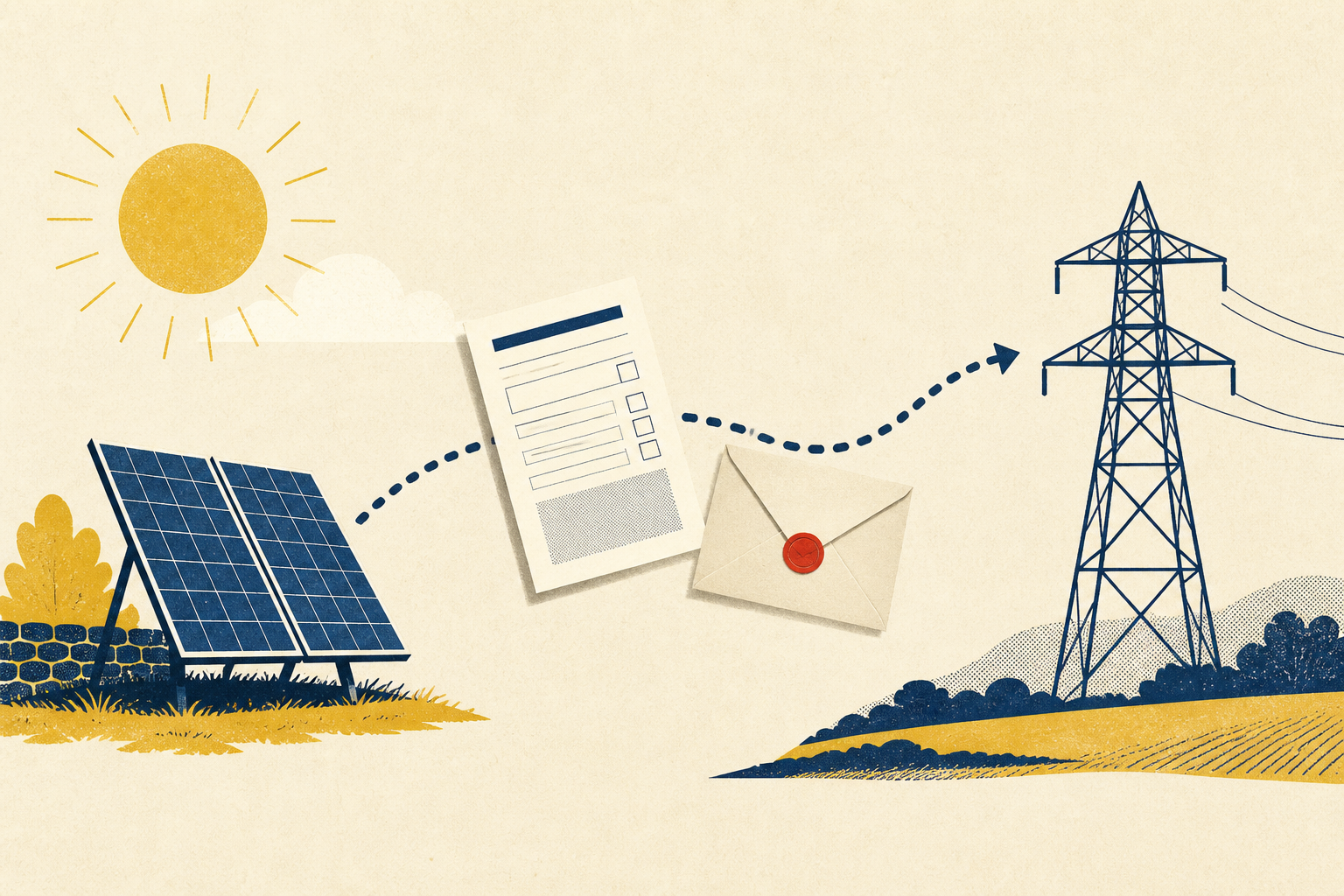
Once a qualifying plug-in solar kit is connected, you need to tell your local electricity network operator. Keep the product details and connection date handy: for the standard registration process, the operator must receive the notification within 28 days.
Before starting the form: confirm that the exact product qualifies under the new Great Britain plug-in solar rules. The UK FAQ answers the common questions about sockets, electricians and eligibility.
The standard small-generator registration process is called G98 notification. For a straightforward qualifying installation, it should be a short registration job if you have the product details ready.
The GB plug-in solar route is in force. Register a qualifying device through myplugin.solar, the national portal linked by current consumer guidance.
What does G98 mean?
Engineering Recommendation G98 is the network rule for small generators operating in parallel with the public low-voltage electricity system. Your solar kit and the grid are connected at the same time, so the network operator needs to know what equipment is there and be satisfied that it will behave safely.
That includes anti-islanding protection: if the street loses power, the microinverter must stop exporting rather than keeping a supposedly dead circuit alive. G98 also covers type testing, voltage and frequency behaviour and the paperwork used to notify the network.
Ofgem approved the plug-in-solar amendment to G98 in August 2026, with implementation tied to the new legislation. The amendment creates a route specifically for products complying with the government’s Interim Product Specification. Read the Ofgem decision on DCRP/MP/26/02 and the official Interim Product Specification if you want the source documents.
Before or after installation?
For a single compliant plug-in solar product using the simplified G98 route, the practical model is connect and notify: connect first, then notify within 28 days. This is different from “apply to connect”, where permission is required before work begins.
Do not generalise that rule to every solar installation. A larger conventional array, multiple generators, batteries or equipment outside the fully type-tested route can change the process. The government’s general energy-device registration guidance explains the distinction.
One more wrinkle: a retailer or manufacturer may offer to submit the notification for you. Helpful, certainly—but the owner should still make sure it arrived and retain the acknowledgement. “The app probably did it” is not a filing system.
Step 1: check that the product belongs on this route
G98 paperwork cannot rescue the wrong product. The simplified GB route applies to a complete, solar-only plug-in device that complies with the Interim Product Specification, uses the approved manufacturer-supplied plug and meets the relevant G98 requirements.
- Maximum apparent alternating-current output: 800VA.
- Maximum current: 3.5A under the specification.
- One plug-in solar product per household under the current network position.
- No plug-in battery or solar product integrated with a battery.
Check the exact kit reference in the Energy Networks Association Connect Direct plug-in-solar register and compare it with the label and paperwork in the box. A compliant microinverter does not automatically make a pick-and-mix bundle compliant.
Step 2: know which network you are notifying
Your electricity network operator is not your electricity supplier. Octopus, British Gas or EDF may bill you; the electricity network operator owns and operates the local cables, substations and network connection.
Use the Energy Networks Association’s network operator finder or the telephone number 105. Enter the postcode where the kit is installed.
There are six main electricity distribution groups in Great Britain, with regional operating companies beneath them. The postcode lookup is safer than guessing from a logo on an old meter cupboard.
Step 3: collect the information before opening the form
The national registration guidance lists your name, postcode and device make/model. Keep the following paperwork handy too, and enter any additional details the portal or your electricity network operator requests:
- the installation address and postcode;
- your name, email and telephone number;
- the date the device was connected;
- the electricity supply number (MPAN), usually shown on a bill as a 13-digit number;
- manufacturer, exact model and kit reference;
- microinverter make, model and serial number;
- rated alternating-current output—normally entered as 0.8kW for an 800VA device;
- the relevant Energy Networks Association/Connect Direct type-test reference;
- the number and wattage of panels;
- any setup declaration requested by the product or portal.
Photograph the labels before the microinverter disappears behind a panel. That saves having to reach behind the panels later.
Step 4: submit through the route specified for plug-in solar
Use myplugin.solar for a qualifying plug-in solar device. This is the national registration route linked by current consumer guidance. Follow the form and the product instructions; do not submit duplicate notifications unless the network operator asks you to.
Copy model names exactly. “EcoFlow solar thing” or “black inverter supplied in box” will not help an automated register match. If the exact product is absent or marked non-compliant, stop and ask the manufacturer or electricity network operator rather than selecting a similar model.
Step 5: save the acknowledgement
After submission, you should receive an on-screen reference, email or formal acknowledgement. Save it with the receipt, serial numbers, product declaration and installation photographs.
A routine fully type-tested notification should not turn into a design assessment. The electricity network operator may, however, ask for clarification if information is missing, the equipment cannot be matched, the address already has generation or the declared capacity is inconsistent.
An illustrative worked example
Sam in Bristol buys one compliant 890Wp kit with an 800VA microinverter and installs the manufacturer’s ground frame in an unshaded garden. The panel total is 890Wp direct current; the figure relevant to the network connection is the inverter’s 800VA AC rating.
- Sam checks that the exact complete kit is listed as compliant.
- The postcode lookup identifies National Grid Electricity Distribution as the electricity network operator.
- Sam records the electricity supply number (MPAN), kit reference, microinverter serial number and connection date.
- The kit is connected exactly as instructed on 29 August.
- The G98 notification is submitted through the stated plug-in-solar route on 30 August—comfortably inside 28 days.
- The acknowledgement is saved with the receipt.
No permission was assumed for a battery, a second device or a larger inverter. They would be separate questions.
Common G98 mistakes
Confusing the supplier with the electricity network operator
Your supplier sells electricity. Your electricity network operator operates the wires. Notify the latter.
Entering panel watts as inverter output
A two-panel kit may contain 890Wp or 1,040Wp of modules while still exporting through an 800VA inverter. The form needs the correct figure in the correct box.
Assuming the retailer has notified
Ask for the reference. If nobody can produce it, investigate while the 28-day window is still open.
Choosing a nearly identical register entry
Compliance applies to the exact product. One extra letter in a model code can identify different hardware or a different approved configuration.
Adding a battery to the same notification
The new route is for compliant plug-in solar, not plug-in batteries. Read our detailed explanation of the GB legal limits.
Where EcoFlow STREAM fits
EcoFlow’s STREAM microinverter is rated at 800VA and has useful app monitoring, but EcoFlow’s current UK product page still says its supplied connection cable must be connected to the consumer unit by a professional installer or electrician. Do not assume that an existing hardwired STREAM bundle is an approved plug-in product merely because its output is 800VA.
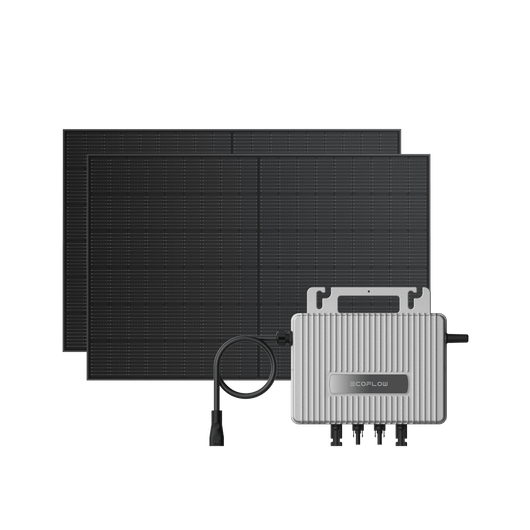
If EcoFlow offers a kit with an approved plug that meets the government product specification, use that exact model and its register reference. Until then, treat its current UK installation instructions as authoritative.
View the current EcoFlow STREAM solar range and connection details →
Affiliate disclosure: PluginSol may earn a commission from this EcoFlow link. It does not change the price you pay or our compliance assessment.
Frequently asked questions
Do I notify G98 before buying?
Not for a straightforward compliant connect-and-notify product, but check suitability and the exact product listing before buying. Larger or unusual installations may require prior application.
How long do I have?
The usual G98 connect-and-notify window is 28 days after installation. Submit promptly and keep the confirmation.
Does registration make an imported kit legal?
No. Network notification and product legality are separate. The complete plug-in product must meet the GB requirements.
Will registration qualify me for export payments?
Not automatically. Smart Export Guarantee eligibility, metering and supplier evidence are separate matters.
What to read next
Use our complete UK plug-in solar guide, then follow the practical installation and safety checklist. For the launch-day background, see what you can actually plug in from 27 August.